 Review101
What Is a Smart Home Gym? How Screen-Guided Strength Machines Work
A smart home gym puts a training screen and adjustable resistance in the same station. Here’s how the cables work, what the screen can tell you, and when separate equipment makes more sense.
Read the article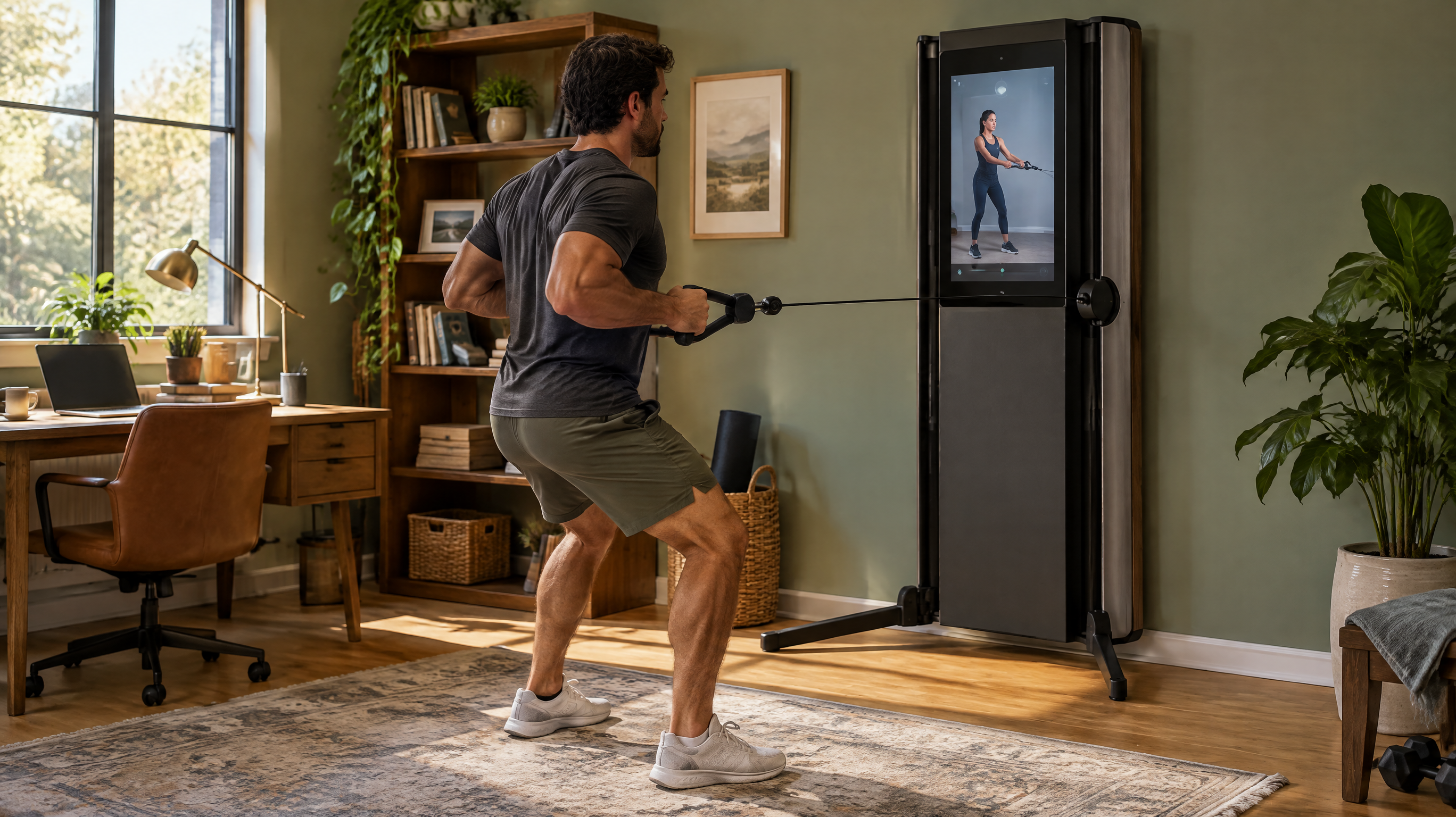
Some links may earn us a commission, at no extra cost to you. How we’re supported
In this article 8 sections
- What makes a strength machine a smart home gym?
- Where does digital resistance come from?
- What does the screen do while you lift?
- Freestanding stations, wall-mounted units and strength mirrors
- What an integrated machine makes easier—and what it doesn’t
- What living with one looks like
- Questions before you commit
- Your next step
Start with your needs
Try a workout app with bands or dumbbells before buying a dedicated machine.
Try an integrated station and see how it feels to switch between exercises.
Keep it unless digital load changes or on-machine tracking would solve a specific problem.
As an Amazon Associate, we earn from qualifying purchases. Research-based analysis; no hands-on testing.
The short answer
You don’t need a smart home gym to get stronger at home. Consider one if you want both guided workouts and adjustable cable resistance in the same place. If you mainly want videos to follow, start with a workout app and equipment you already have.
Worth considering if
- Beginners who want exercise demonstrations right beside the equipment.
- Home lifters who like cable exercises and want to adjust load without handling plates.
- People with room for a dedicated station who would rather not set up a separate device each session.
Hold off if
- You haven’t tried cable training and aren’t sure you like the motion.
- The cabinet fits, but a bench or your full range of motion doesn’t.
- You want a low-tech setup that doesn’t depend on software or account access.
Choose your next step
Ready to compare?
See the differences, tradeoffs and who each model suits.
Compare the products →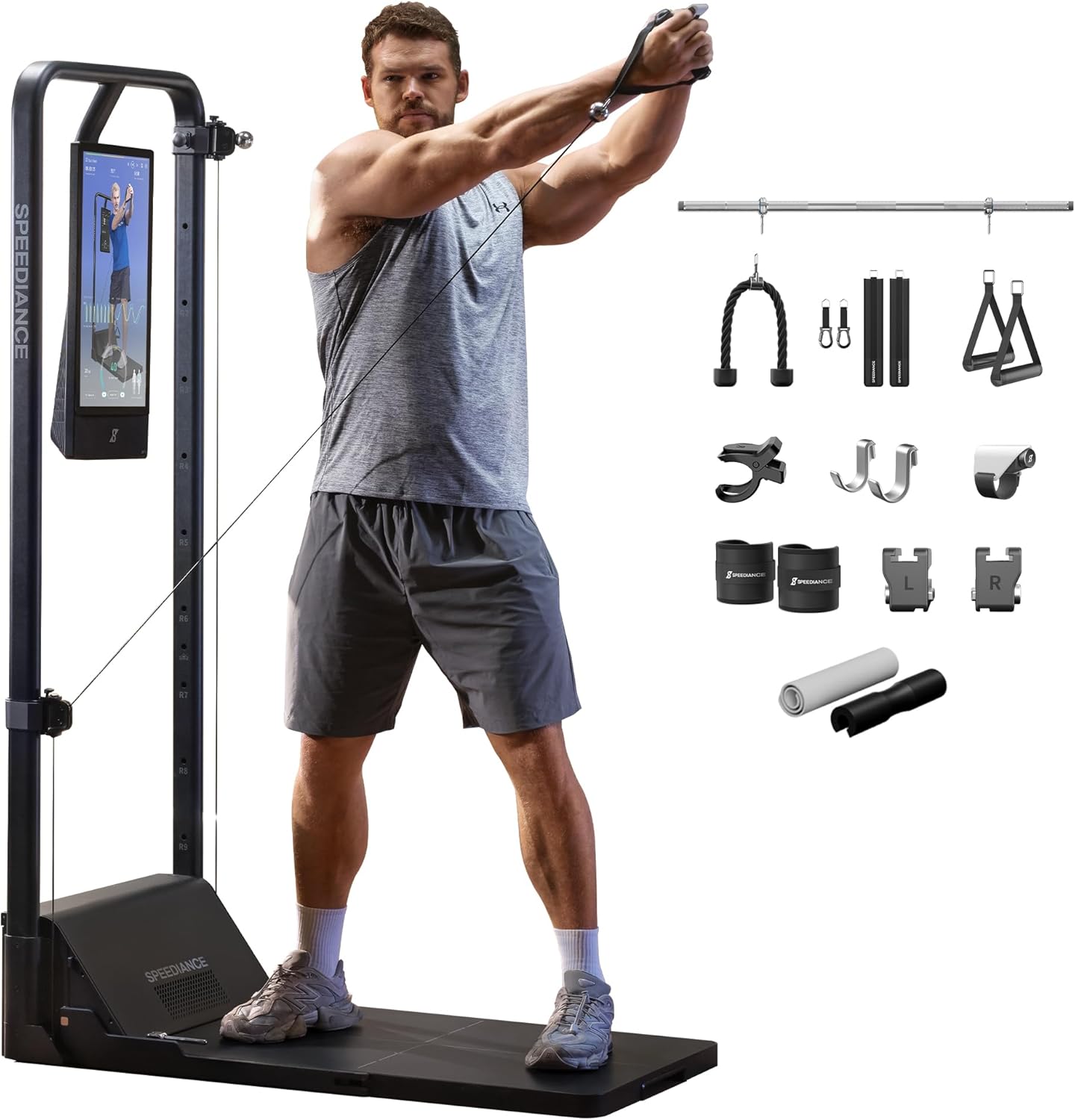


What makes a strength machine a smart home gym?
In this guide, a smart home gym is a strength machine with two things built in: resistance you train against and a screen that guides the workout. Think of it as a cable station with the workout displayed right where you lift.
A screen-only fitness mirror can show you an exercise, but you supply the weights or bands. A conventional cable station gives you resistance, often through a weight stack, with no screen required. A workout app on a tablet or TV provides instruction separately, so you can use it with anything from dumbbells to a cable station.
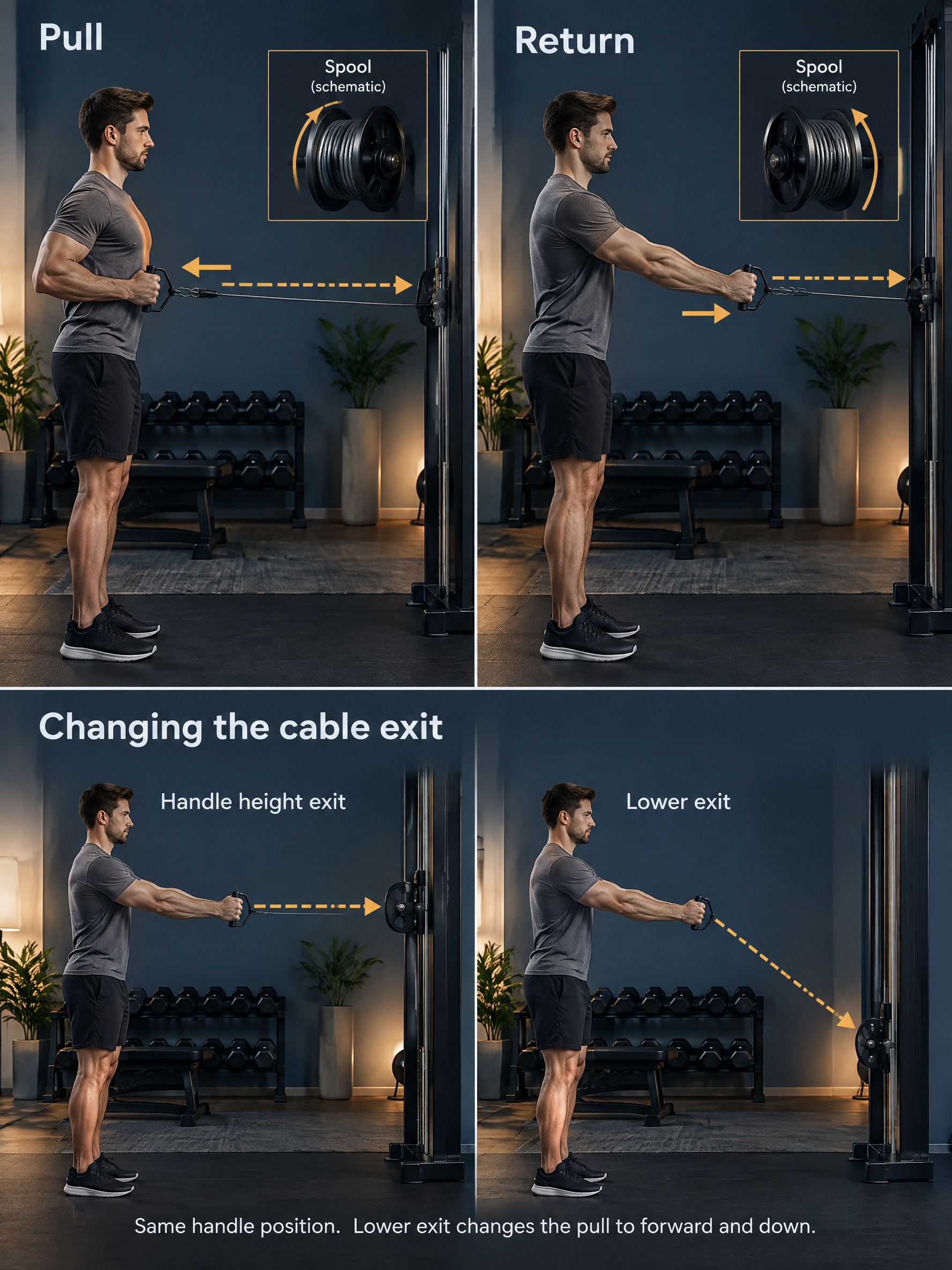
Follow the cable through a row
See the movement
Use a locked side view to loop one controlled cable row: the handle travels toward the torso as cable pays out, then away as the cable retracts. End with a static overlay comparing the level and lowered cable exits so the change in pull direction is easy to see.
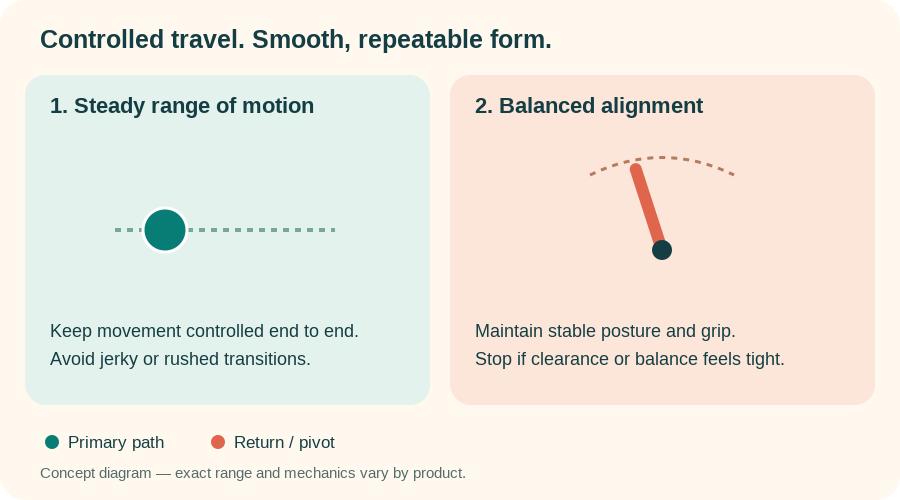
Simplified motion diagram. Exact range and mechanics vary by product.
- Pull the handle in
As the handle moves toward your torso, the cable pays out from the spool while the motor resists the pull.
- Control the return
As your arms extend, the cable winds back in and keeps pulling toward the machine.
- Change the cable height
Start with the cable exit at handle height, then imagine lowering it. The cable now pulls forward and down instead of straight ahead.
Where does digital resistance come from?
On a motor-driven cable machine, an electric motor applies tension through a spool instead of making you lift a stack of plates. Selecting a load tells the machine how much resistance to apply. The motor can keep tension on the cable as it moves out and winds back in, so you have something to work against on the return as well as on the pull.
The load setting and the cable position do different jobs. The setting controls how hard the cable pulls; the point where the cable exits determines the direction it pulls. That’s why two movements can feel different even when the number on the screen stays the same.
Choose your next step
Which model fits your needs?
See the differences, tradeoffs and who each model suits.
Compare the products →What does the screen do while you lift?
Video instruction shows what the exercise looks like. Workout tracking can log things such as reps, sets or load, depending on the machine. One helps you understand the movement; the other helps you remember what you did last time.
Adaptive resistance and live form feedback are separate features. Adaptive resistance changes the load under certain conditions in a supported mode. Live form feedback cues you during a rep based on what the system can detect. Speediance lists smart tracking for the Gym Monster 2, for example, but a tracking claim doesn’t tell you whether the machine can spot a form mistake. If live cues matter to you, check which exercises they cover and what they actually detect.
From the on-screen demo to your first set
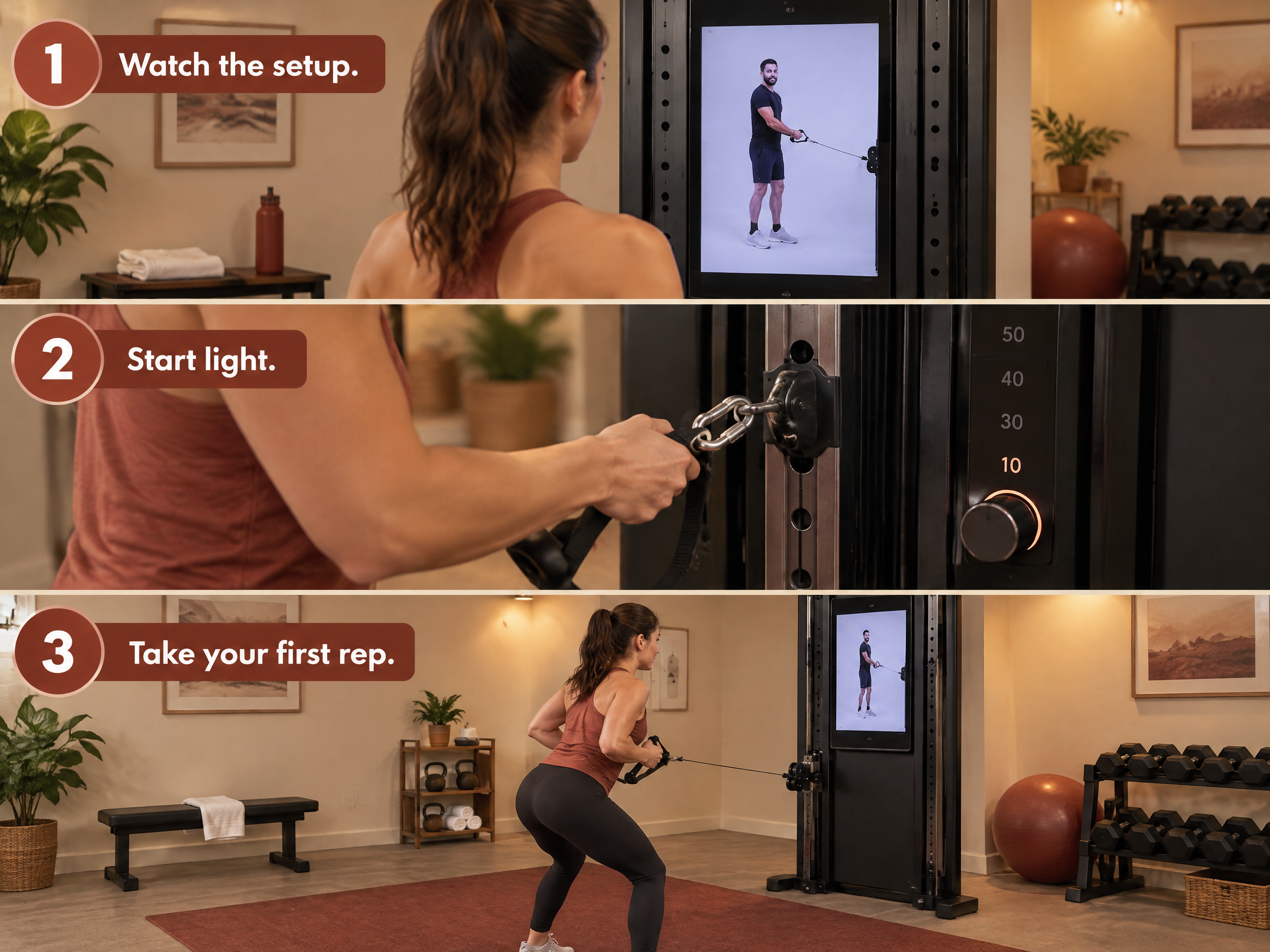
- Watch the setup
Look at where the demonstrator stands, which attachment they use and where the cable exits.
- Set your starting load
Clip in the attachment, match the cable position and choose a light load for the first set.
- Follow the set
Take a controlled first rep, then use the rep and rest prompts if the workout provides them.
Freestanding stations, wall-mounted units and strength mirrors
A freestanding station carries the screen and cables on its own frame. If the platform folds, measure the station in its training position as well as its storage position. A wall-mounted unit puts the screen on the wall and brings the cables out on arms. It can leave the floor below the unit clear, but you still need space to step back, extend your arms or position a bench. Check which walls are suitable before planning the room. The listed Tonal 2 bundle includes delivery and installation; verify what that covers at your address.
A mirror front doesn’t tell you whether a machine supplies resistance. The IMBODY Power S Elite, for example, pairs a fitness mirror with digital cable resistance. Its cabinet is listed at 6.3 inches deep, but that measurement doesn’t account for the included bench or the room you need to move.
What an integrated machine makes easier—and what it doesn’t
The convenience shows up between sets. You can see the next exercise without digging out your phone and change the load without swapping plates. A station with suitable cable positions can cover rows, presses and other movements without sending you to another piece of equipment.
You still have to learn the movements and do the physical setup. Switching from a row to a triceps pushdown may mean moving the cable exit and swapping a handle for a rope. Check the exact bundle against your routine: the listed Gym Monster 2 package includes handles and a triceps rope but no bench.
What living with one looks like
Picture an ordinary workout, not just the day it arrives. Can you reach an outlet without running a cord through your workout area? Can you leave the bench and attachments somewhere handy? A station can fit against the wall and still be awkward to use if you have to move the coffee table each time you train.
If you can try a machine, do a few light reps and switch attachments once. Notice how the cable feels on the way back and how easy it is to set up the next exercise. If you can’t try an integrated station, a conventional cable machine at a gym can help you decide whether you like cable training. A guided workout with dumbbells or bands can help you decide whether the video alone is enough.
Questions before you commit
Can I still lift if I cancel the membership or my Wi-Fi goes out?
Check those separately: a machine may handle an expired membership differently from an outage. Ask whether you can start a manual session and change resistance without a paid plan, then check whether you can do the same offline or while signed out.
Can two people share one smart home gym?
You can share the hardware, but don’t assume you’ll get separate workout histories. Check whether the machine supports multiple profiles under one account and keeps each person’s saved loads and progress separate.
Does the advertised resistance tell me how much I can lift with one handle?
Not unless the listing says the rating is for one cable. A combined rating doesn’t tell you what’s available for a single-arm row, so check the per-cable limit for the setup you’ll use.
What should I check before buying one secondhand?
Confirm you can register and set up the machine at your address before paying. Ask which attachments and mounting hardware come with it, whether the warranty transfers, and who will handle moving or reinstalling it.
Choose your next step
Put your shortlist side by side
See the differences, tradeoffs and who each model suits.
Compare the products →Your next step
- Mark out the machine’s footprint and the room you’ll need to move and use a bench.
- Check delivery access, outlet placement and any mounting requirements.
- Match the cable positions and included attachments to the exercises you want to do.
- Confirm what works without a paid membership and what works without internet access.
After your next home workout, note what interrupted it most. Finding the routine and changing the load are problems an integrated station can help with; finding time to train is a different one.